

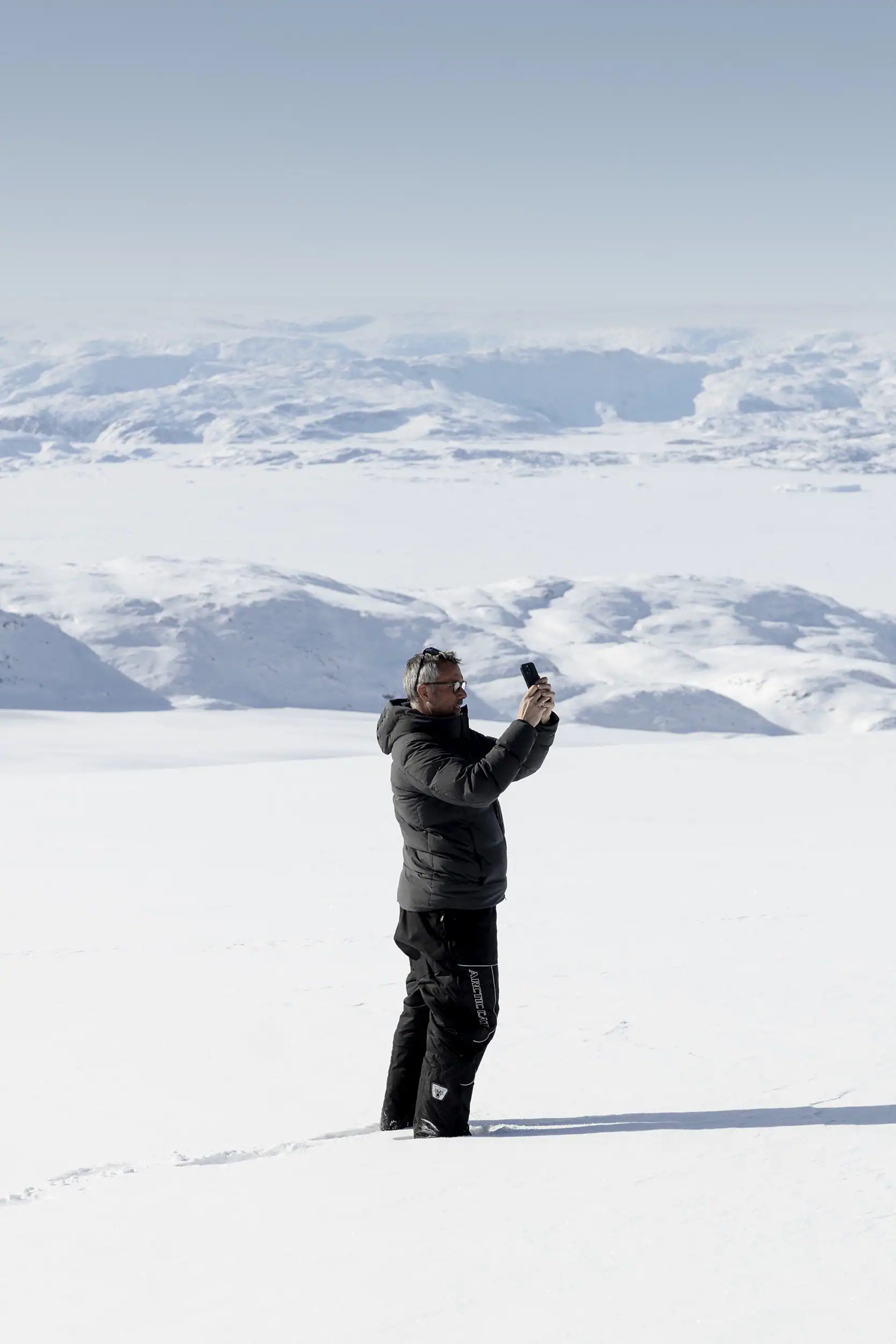
Travelling to East Greenland is a breathtaking experience, but staying connected and using your phone wisely can be challenging due to the region’s remoteness and limited internet infrastructure. Whether you use an iPhone or an Android device, thoughtful preparation will help you get the most out of your journey while staying present in the landscape.
Disclaimer: We know that every traveller and phone setup is different. Many of the apps mentioned are available in multiple versions or offer regional or operating-system-specific alternatives. This guide is not a checklist, but inspiration – a curated selection of tools to help you design your own ideal digital setup for East Greenland. Pick what fits your travel style.
Offline Maps and Navigation
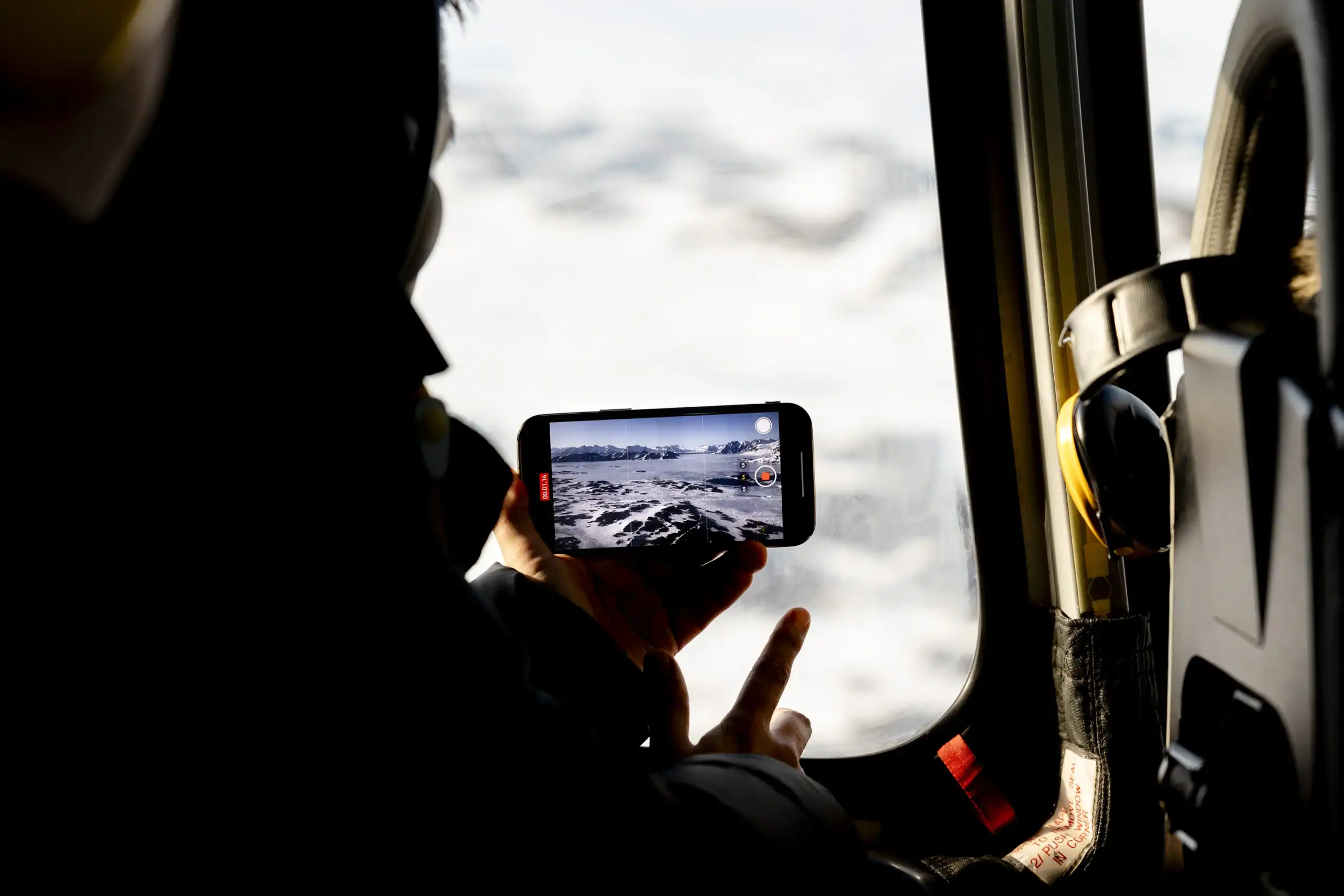
Before you leave, download offline maps using Google Maps or Maps.me (Android version). You can pin hiking trails, boat departure points, and scenic lookouts – everything works offline, so you’re never lost, even when off-grid.
Before you go, download our custom East Greenland maps: town illustrations, topographic overviews, and Google MyMaps with trails, fjords, and secret spots. All are curated for offline use and perfect for real-life orientation.
Want to know what the locals rely on? Check out Map – SIKU Support Site highlighting original East Greenlandic place names

Flights, Travel & Local Logistics
Air Greenland – Flights & Membership
If you are flying with Air Greenland, download the Club Timmisa app (ios/android) before departure, or get Icelandair app (ios/android)
Why it matters:
- Digital membership card
- Overview of points and rewards
- Flight-related updates and offers
- Reduced reliance on email or printed documents
In a destination with limited connectivity, having essential travel information stored locally is a real advantage.
Photo Editing & Aurora Forecasts
Enhance your photos offline with:
For light and weather planning:
- The Photographer’s Ephemeris (iOS & Android)
- PhotoPills (Android)
To track Northern Lights:
- My Aurora Forecast (Android)
- Android alternatives: Aurora Alerts, Aurora Watch UK

Orientation Tools
iPhones come with a built-in Compass app, which works offline and is ideal for basic navigation. Android users typically have a system-level compass, but for a more advanced experience, try Smart Compass or Digital Compass.
If you’re looking for precision navigation, Spyglass (iOS) offers a full GPS toolkit with an augmented reality compass, offline maps, and a rangefinder. Android alternatives include Commander Compass or OruxMaps.
Light Tracking & Midnight Sun
From late May to late July, the sun doesn’t truly set north of the Arctic Circle – a natural phenomenon known as the Midnight Sun. To make the most of this special light, use:
- Helios Golden Hour (iOS only)
- PhotoPills (Android version)
- Sun Surveyor
These apps let you track golden hour, blue hour, and celestial paths for planning photography and outings.
Emergency SOS & Satellite Features
Newer iPhones (14 and up) include Emergency SOS via Satellite, which lets you message emergency services even without signal or Wi-Fi. You can test this via Settings → Emergency SOS → Demo.
Android does not yet include native satellite SOS in standard models, but select rugged phones or external devices like Garmin inReach Mini offer similar features.

Stay Connected in East Greenland
Explore East Greenland with seamless connectivity! Stay online and share every breathtaking moment with reliable internet options.
Photo: Anna & Lucas Jahn
eSIMs, Wi-Fi, and Smart Internet Use
Internet in Greenland is limited and expensive – but manageable. Tusass offers eSIMs compatible with most modern iPhones and Android devices. For more info and local tips, visit our dedicated Internet in Greenland page.
Travelling as a couple or group? Consider splitting a larger data plan and using a portable Wi-Fi hotspot, available for rent or purchase locally. It’s a great way to stay online while keeping costs down.
To reduce background data usage:
- On iOS: Enable “Low Data Mode”
- On Android: Use “Data Saver” in settings
Also, disable background app refresh, turn off auto-downloads, and ensure essential files are downloaded in advance.
Or… Go Full Minimalist?
- Use a Doro Phone or Light Phone
- Or turn your smartphone into a minimalist device:
- Enable Focus Mode / Work Mode
- Keep the phone on silent
- Disable notifications except emergencies
Plan Your Trip
Plan your East Greenland adventure, tapping into local knowledge, expert tips, and essential planning tools.

Towns & Settlements
Explore East Greenland’s quaint towns and remote settlements, discovering unique landscapes, rich culture, and rugged Arctic beauty.
Tour Providers
Once you’ve chosen your adventure, book your East Greenland journey through local operators or plan it independently.
Articles
Read through our curated articles about East Greenland, deepening your insight into its seasons, traditions, and wonders.
Resources
Discover East Greenland’s essential resources and planning tools, ensuring deeper insights, trusted guidance, and a fulfilling adventure.